
The Seven Deadly Sins: Origin Top Up
 100% Safe Transaction
 24/7 Support
 Full Refund Guarantee
 120 Star Memory
 600+50 Star Memory
 1900+200 Star Memory
 3800+500 Star Memory
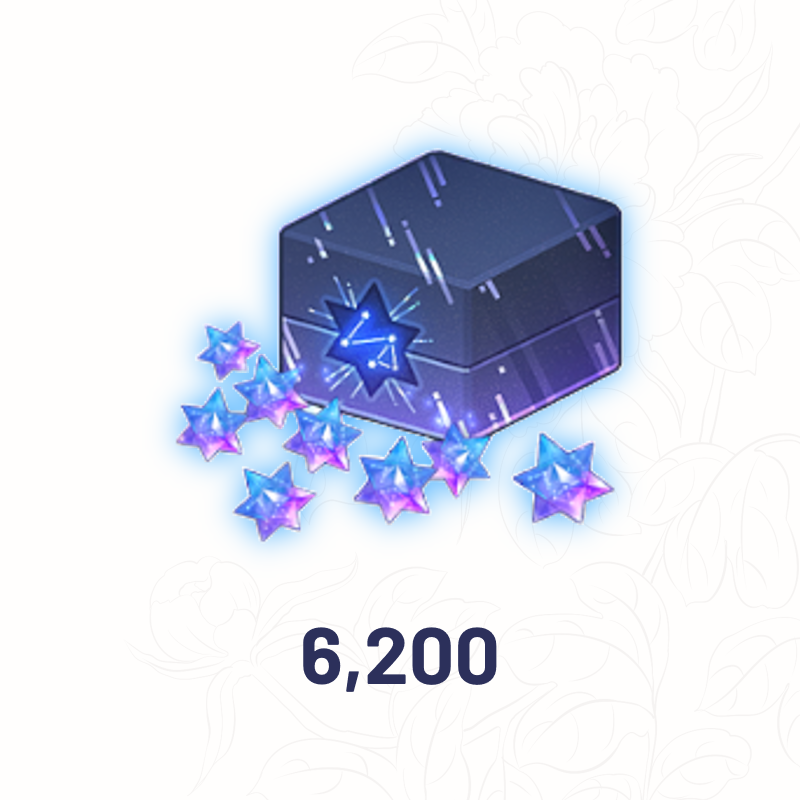 6200+1200 Star Memory
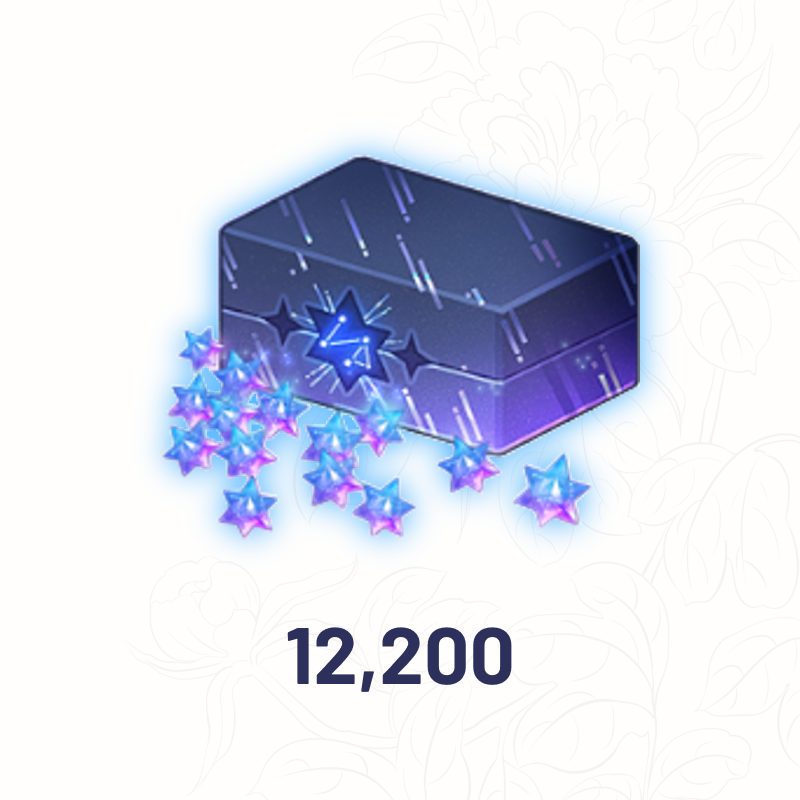 12200+3100 Star Memory
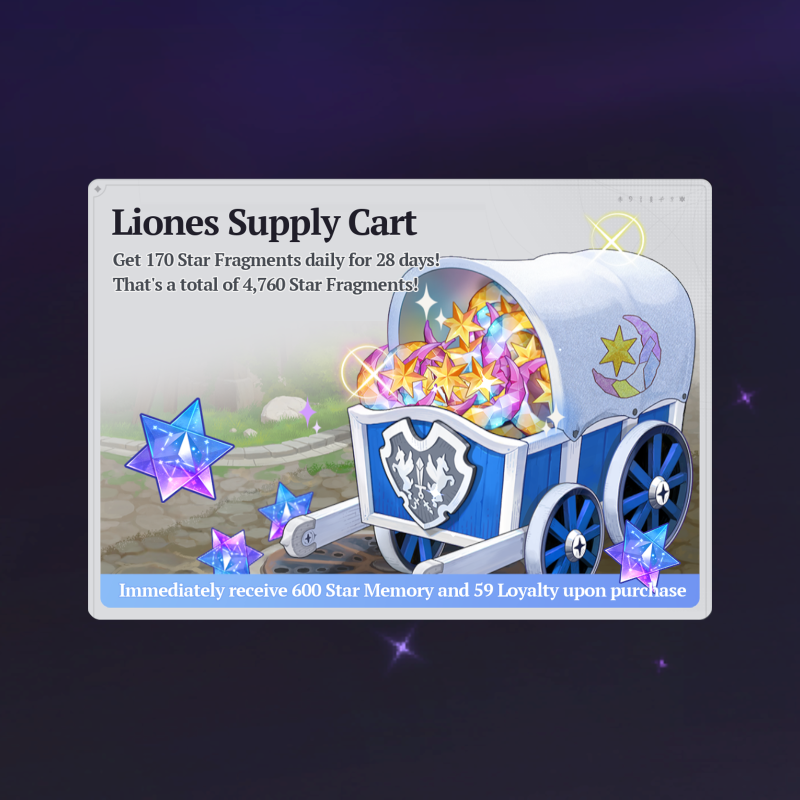 Liones Supply Cart
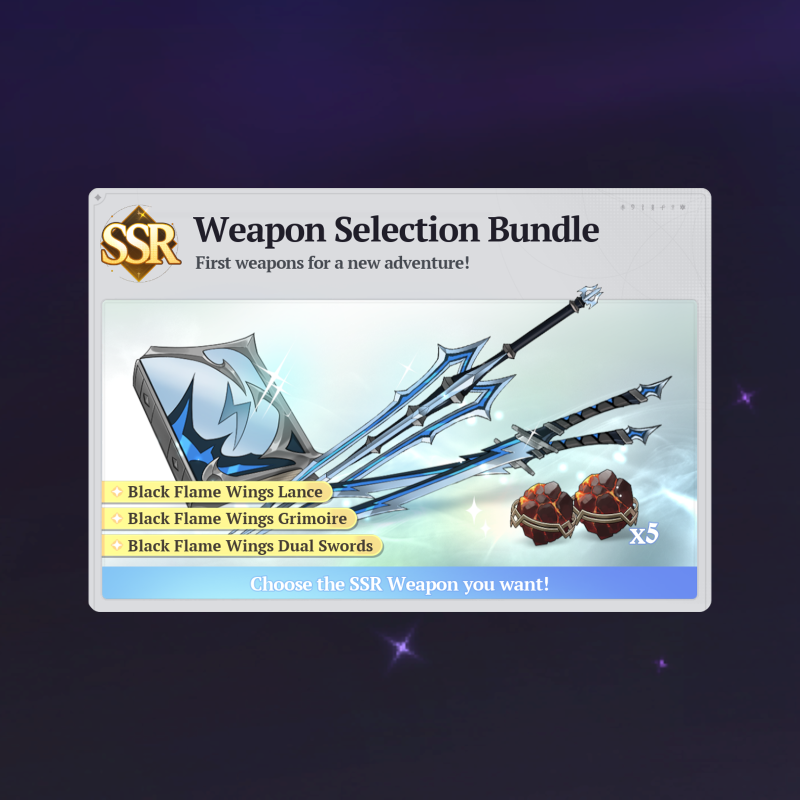 SSR Weapon Selection Bundle
 Artisan's Workbench Bundle
 Special Hero Pick Up Bundle I
 Special Hero Pick Up Bundle II
 Special Regular Hero Bundle
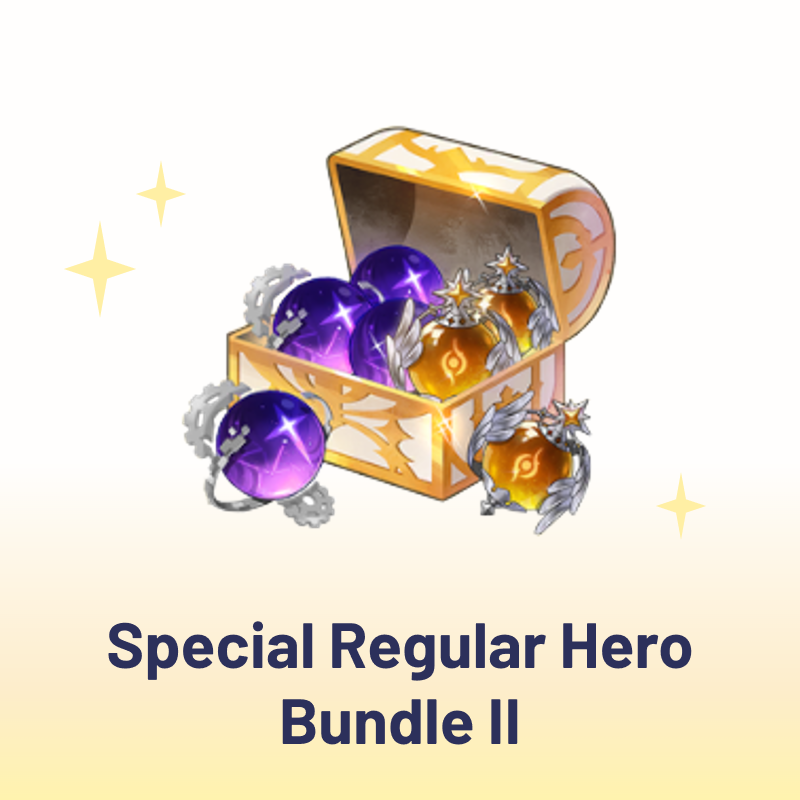 Special Regular Hero Bundle II
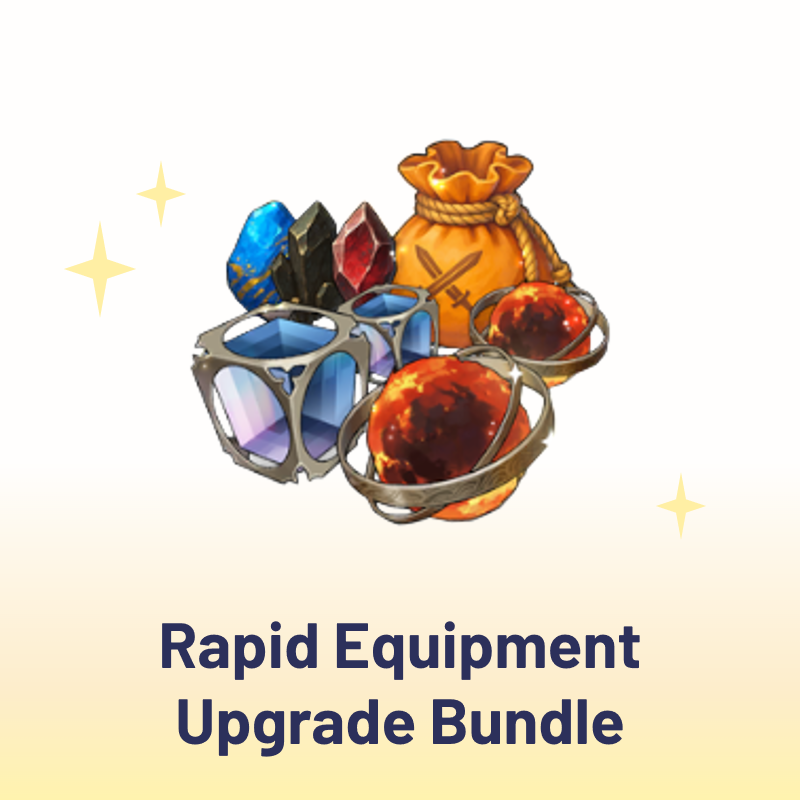 Rapid Equipment Upgrade Bundle
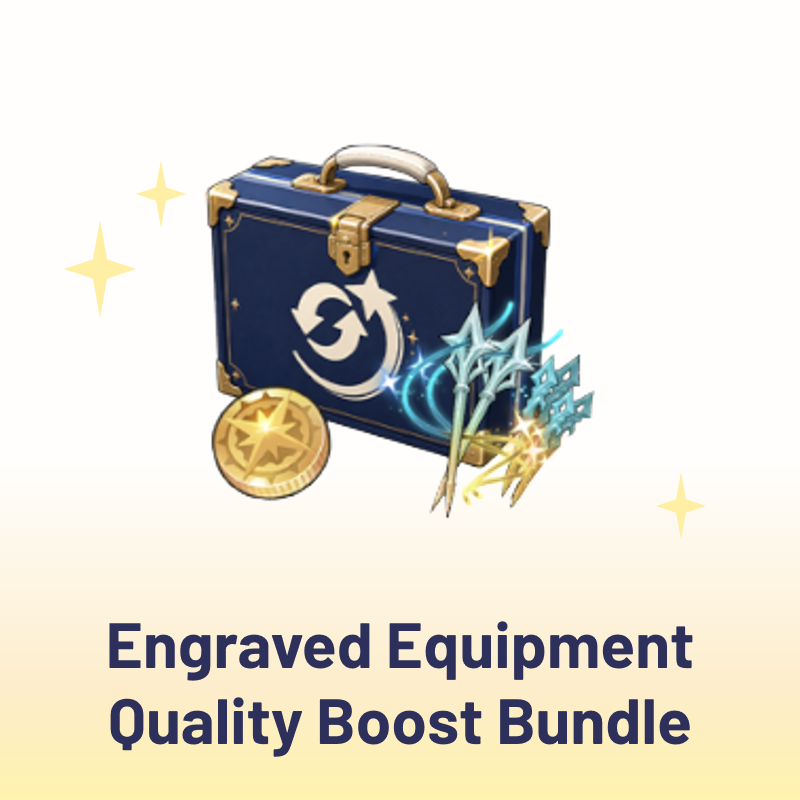 Engraved Equipment Quality Boost Bundle
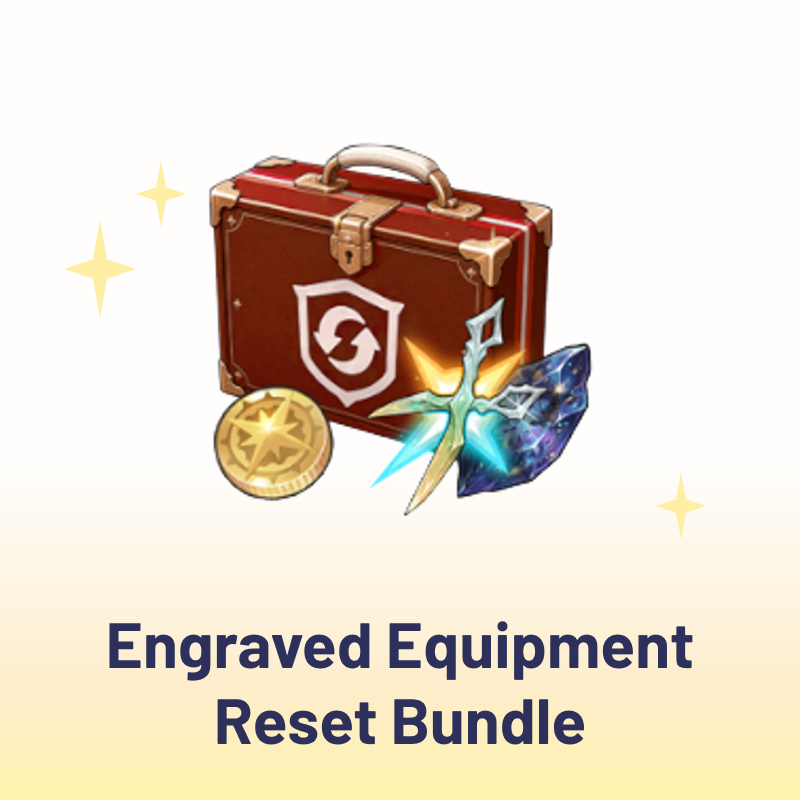 Engraved Equipment Reset Bundle
 Engraved Equipment Support Bundle I
 Engraved Equipment Support Bundle II
 You're Mine Now Bundle
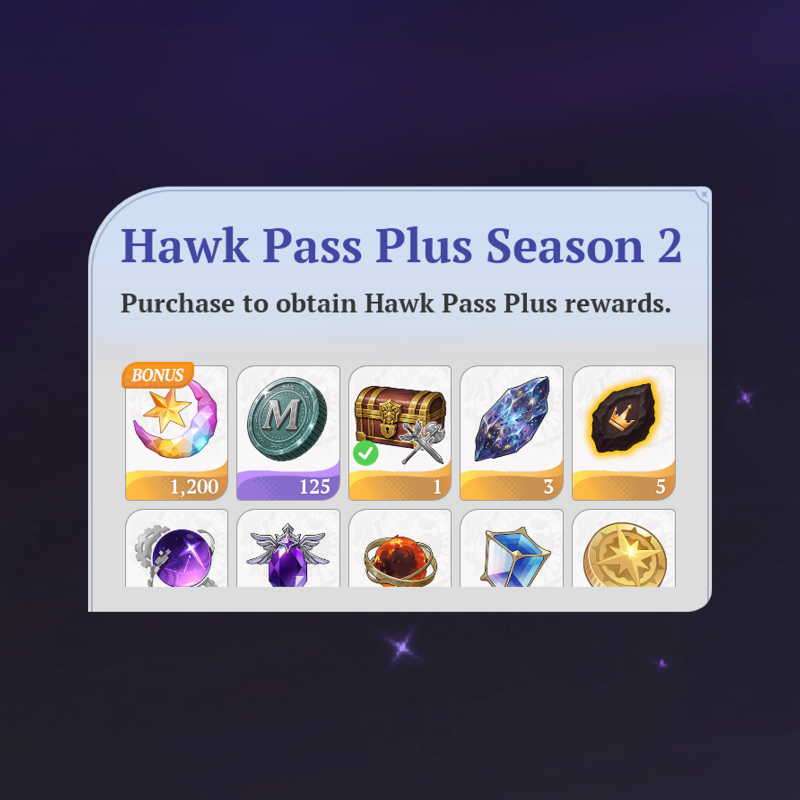 Hawk Pass Plus Season 2
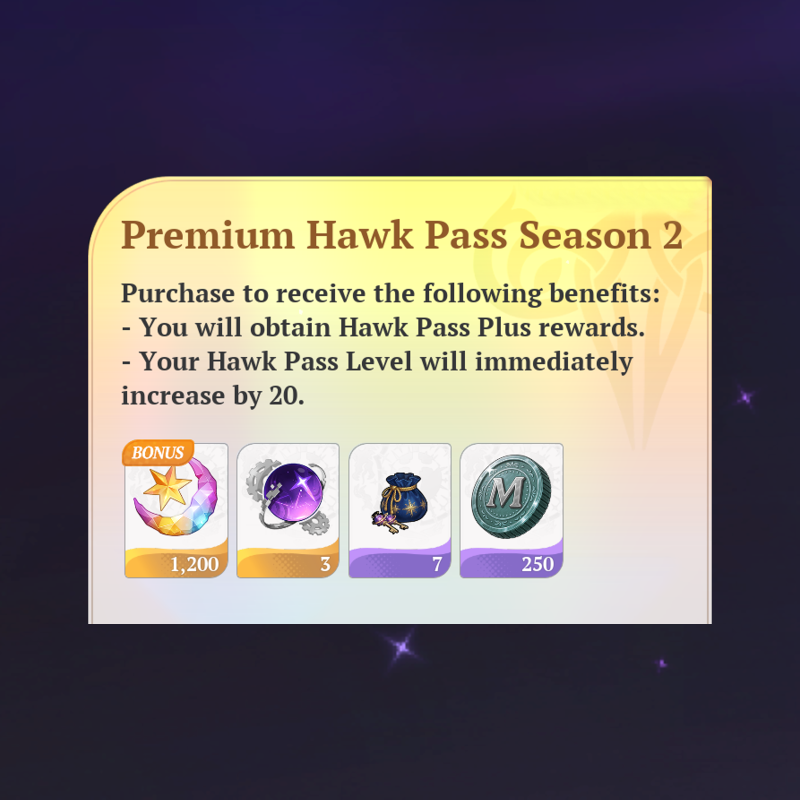 Premium Hawk Pass Season 2
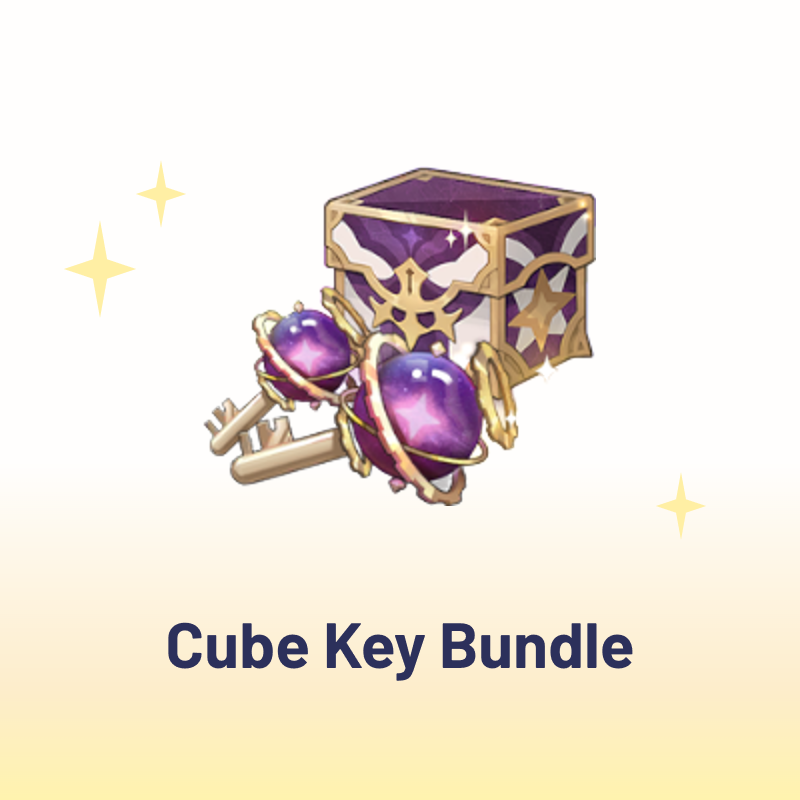 Cube Key Bundle
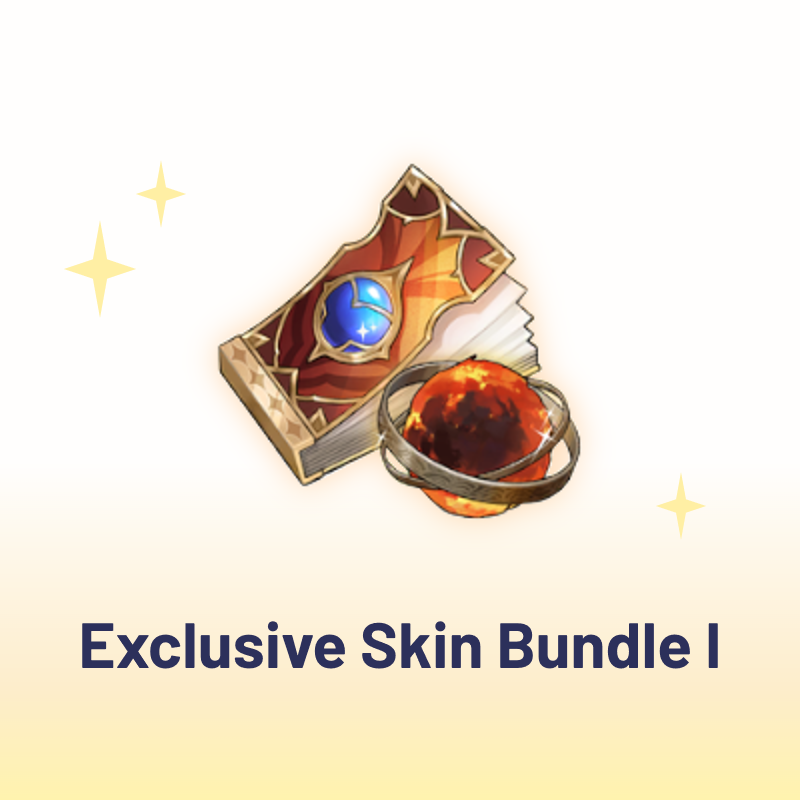 Exclusive Skin Bundle I
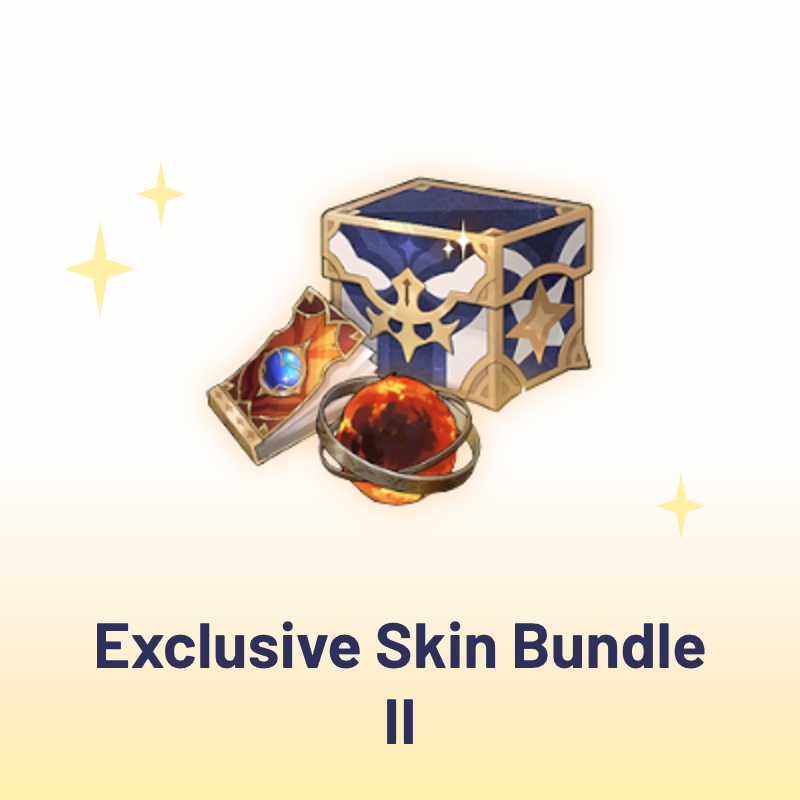 Exclusive Skin Bundle II
 Exclusive Skin Bundle III
Top-up Instructions
The Seven Deadly Sins: Origin Top Up - Fast and Secure
Top up The Seven Deadly Sins: Origin safely on KeyGold and get the in-game currency or package you need without hassle. We support the Global Server with fast processing, a mobile-friendly ordering experience, and a wide range of global payment methods as well as local payment options in many countries.
Service Scope
Supported Server
Global Server
Supported Client
PC and mobile devices
Before You Order
If you play through the Steam client, please link your game account to Google or another available connected account before placing a top-up order, so that the account can be accessed for delivery.
Top-Up Method
Login Top-Up
- Select the in-game currency or package you need on this page and complete the payment.
- Contact KeyGold official customer service and provide your account information, verification details, and the package name or a screenshot of your order.
- Our team completes the top-up and confirms with you once the items are credited to your account.
During order processing, please do not log in to the game account or change the password, as this may cause login conflicts, verification failure, or order delays.
Required Information for The Seven Deadly Sins: Origin Top Up
Login Method
Netmarble account / Facebook / Google
Game UID
The numeric ID displayed in the game
Login Account, Password, and Verification Code
If verification is required by the system, please provide the necessary information according to customer service instructions. All details you share are used only to complete your order and are kept confidential.
Notes
- Please make sure the account information you provide is accurate, as incorrect details are the most common cause of delays.
- After the top-up is completed, we recommend changing your password promptly to protect your account security.
- Actual top-up content, delivery time, and in-game display are subject to the official game result in The Seven Deadly Sins: Origin.
The Seven Deadly Sins: Origin Top Up — Buy Star Memory on KeyGold
Looking for a reliable place to top up The Seven Deadly Sins: Origin? KeyGold lets you buy 7DS Origin Star Memory and selected in-game packages at a competitive price, with secure checkout, fast order processing, and customer service available around the clock. Whether you are saving for a featured banner or stocking up before a limited-time event, a 7DS Origin recharge on KeyGold takes only a few minutes on desktop or mobile.
What Is The Seven Deadly Sins: Origin?
The Seven Deadly Sins: Origin is an open-world action RPG set in Britannia, telling an original story alongside Meliodas and the rest of the cast. Instead of a linear stage list, the game gives you a continuous world to travel through — you can climb cliffs, swim and dive, solve environmental puzzles, and stumble onto hidden treasure while making your way to the next objective.
Combat is built around swapping heroes mid-fight. Each character brings a different skill set, and chaining them together is how you break boss stances and clear harder trials. Progression comes from expanding your roster, upgrading weapons and gear, and pushing through region-by-region content, which is why summon resources matter so much in the long run.
What Is Star Memory in The Seven Deadly Sins: Origin?
Star Memory is the premium currency of The Seven Deadly Sins: Origin. It is what you spend on hero and weapon summons, featured banner pulls, selected shop items, and other paid content in the game. Because summons are the main route to a stronger team, most players treat Star Memory as their core resource and plan their spending around banner schedules.
You can earn a certain amount of Star Memory for free through gameplay, but the supply is limited and tends to run out quickly during banner periods. Available items, summon rates, and event rules may change between versions, so the in-game display is always the final reference.
Why Buy The Seven Deadly Sins: Origin Star Memory?
Free Star Memory accumulates slowly, and banners are on a timer. Buying 7DS Origin Star Memory is simply the fastest way to have enough on hand when the character or weapon you want is actually available.
- Pull on limited-time recruitment banners and secure the heroes and weapons you want before the banner ends.
- Pick up rare upgrade materials, cosmetics, and event-exclusive products from the in-game shop.
- Refresh stamina and challenge attempts so farming and character development never stall halfway through an event.
- Keep pace with your guild and co-op teammates during time-limited bosses and ranked content.
How to Get Star Memory in The Seven Deadly Sins: Origin
There are several ways to build up Star Memory in 7DS Origin. The free routes below are worth clearing every version, and a top-up covers the gap when you need a larger amount at once.
1. Story and Exploration
Pushing the main campaign forward is the most consistent early source. Side objectives, region completion rewards, hidden chests, and first-clear bonuses on map content can all add Star Memory to your balance while you explore Britannia.
2. Events and Challenges
Limited-time events, world bosses, and special trials usually include summon resources in their reward tracks. These are worth prioritising, since event rewards expire once the schedule ends.
3. Achievements and Daily Missions
Daily and weekly missions, achievement milestones, and login rewards each give a small amount, but they stack up steadily over a version if you clear them consistently.
4. Top Up and Package Purchase
When you need Star Memory in bulk — or want a specific in-game package — a top-up is the direct option. You can order on KeyGold, or through the official in-game store. Actual products and prices are subject to the order page and the in-game display.
Why Choose KeyGold for The Seven Deadly Sins: Origin Top Up?
KeyGold is a global game top-up store serving players across a wide range of titles. For The Seven Deadly Sins: Origin recharge, here is what you can expect from us.
Secure Payment
We support all mainstream global payment methods, along with local payment options across many countries, so you can pay in the way that is most familiar to you. Every transaction runs through an encrypted, certified checkout, and prices are shown transparently before you confirm the order — no hidden charges at the final step.
Competitive Pricing
We keep our 7DS Origin top-up price competitive and run seasonal offers and discounts on selected products. If you are comparing where to buy Star Memory, it is worth checking the current price on this page before every banner.
Fast Processing
Once payment is confirmed and your account details are submitted correctly, our team starts on the order right away and confirms with you when the resources land in your account. Processing time can vary with verification steps, server status, and in-game restrictions.
Selected Package Support
Beyond standard Star Memory amounts, we can handle selected in-game packages and event bundles. Just send the package name or a screenshot after ordering and customer service will confirm the exact product with you.
24/7 Customer Support
Our support team is online around the clock. Whether you have a question before ordering or need help partway through delivery, you can reach a real person at any hour.
Mobile-Friendly Experience
The whole flow — browsing products, paying, and messaging support — works comfortably on phones and tablets, so you can top up during a banner countdown without needing a computer.
How to Top Up The Seven Deadly Sins: Origin on KeyGold
- Choose your product on this page — the Star Memory amount or the in-game package you need — and set the quantity.
- Check the order total, pick a payment method, and complete the secure checkout.
- Send your account information, verification details, and the package name or screenshot to KeyGold official customer service.
- Stay reachable while we process the order, in case an extra verification step is needed, and check your in-game mailbox once we confirm completion.
The Seven Deadly Sins: Origin Top-Up Notes
- Double-check your UID, login method, and verification details — incorrect information is the most common cause of delays.
- Do not log in to the game or change your password while the order is being processed, as this can trigger login conflicts or verification failure.
- If you are buying a selected in-game package, confirm that the package price matches your order amount.
- Change your password once the top-up is finished to keep your account secure.
- Top-up content, delivery time, event rules, and in-game display are all subject to the official result in The Seven Deadly Sins: Origin.
The Seven Deadly Sins: Origin Top Up FAQ
Is it safe to top up 7DS Origin on KeyGold?
Yes. Payments go through encrypted, certified channels, and any account details you share with customer service are used only to complete your order. We also recommend changing your password after delivery as an extra precaution.
How long does a The Seven Deadly Sins: Origin top up take?
Most orders are handled shortly after payment and correct account information are received. Verification requirements, server maintenance, or in-game purchase limits can extend the time, and support will keep you updated if anything comes up.
Which server and platform are supported?
We support the Global Server, on both PC and mobile. If you play through Steam, link your game account to Google or another available connected account before placing your order.
Can I buy a specific in-game package instead of Star Memory?
Yes. Place your order, then send customer service the package name or a screenshot from the in-game shop so we can match the exact product and confirm the price with you.
What payment methods can I use?
KeyGold supports mainstream global payment methods as well as local payment options in many countries. The full list available to you is shown at checkout based on your region.

![[The Seven Deadly Sins: Origin | Character Guide] Merlin: Best Weapons, Stats & Comps](https://img.keygold.gg/cdn-cgi/imagedelivery/YiOyiAditmsufk6Ngg5iSw/91c33bb0-a272-474a-c830-38ce505fcc00/w=192,h=128,fit=cover,q=80,metadata=none,format=auto)